Case study
Lush SVG
A browser-based SVG studio bringing backgrounds, website elements, illustrations and decorative accents into an editable catalogue. This case study follows the public studio, a mesh-gradient collection and its editor, alongside the inspected filtering, URL state and export implementation.
- My role
- Interface design and front-end development across catalogue browsing, SVG customisation and export tooling.
- Reviewed / status
- 19 October 2026 · Live product
The design problem
Turn a visual catalogue into an editable starting point.
A catalogue of visual assets needs more than a grid: people need a starting point, a visible selection scope, and a way to adapt a design to their own palette and layout. Browsing, editing and choosing an output format are distinct tasks that the studio needs to connect.
Start with what someone is making.
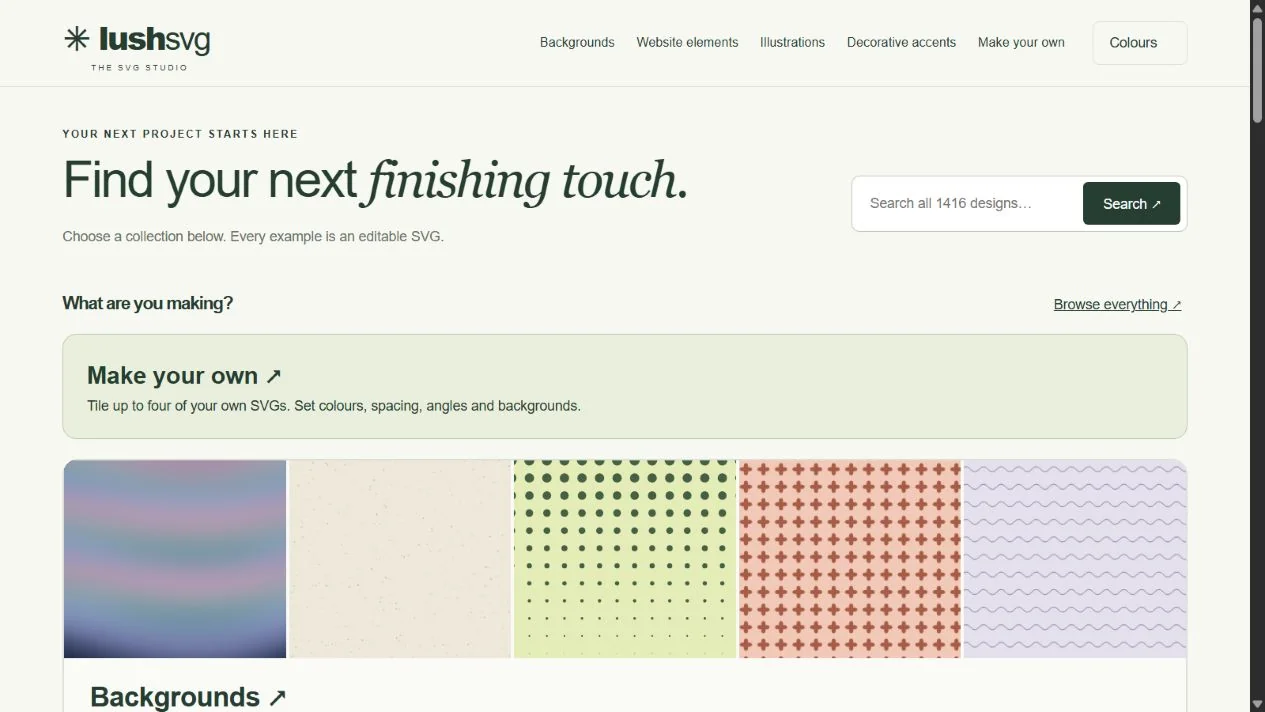
The studio homepage separates backgrounds, website elements, illustrations, and decorative accents. A search offers a direct route into the catalogue, while Make your own introduces a separate SVG pattern maker.
Organise by intended use
The public navigation names four families of assets. The homepage presents collections with visual examples and links into individual categories.
Offer a direct search
Search all designs sits alongside the introductory text. The catalogue filter function matches query words against design names, categories, collections, types and tags.
Separate browsing from making
Make your own opens a dedicated page for importing up to four SVG motifs. That tool is a separate capability; the screenshots here follow the existing catalogue instead.
Keep the selected collection visible.
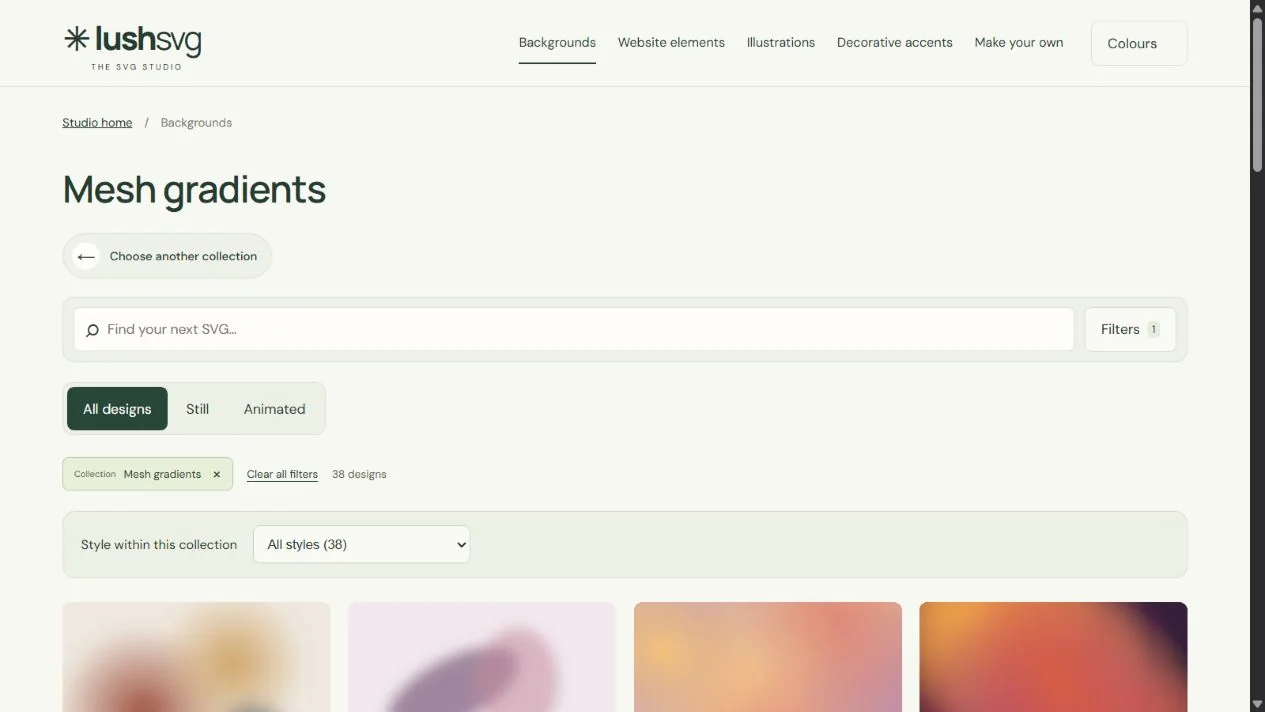
The Mesh gradients view places search, motion choices, an active collection chip, and a style selector above the artwork. The captured count describes this collection at review time, rather than a permanent catalogue total.
Expose the current scope
The heading and removable collection chip name the selected category. Clear all filters and Choose another collection provide separate ways to change the view.
Make filter state addressable
The inspected filter module serialises family, category, theme, motion, sorting and search values into query parameters, then validates supported choices when reading them back.
Distinguish motion from style
Still and Animated are separate from the collection-specific style selector. Source code also uses the device reduced-motion preference to pause previews.
Bring the artwork and its controls together.
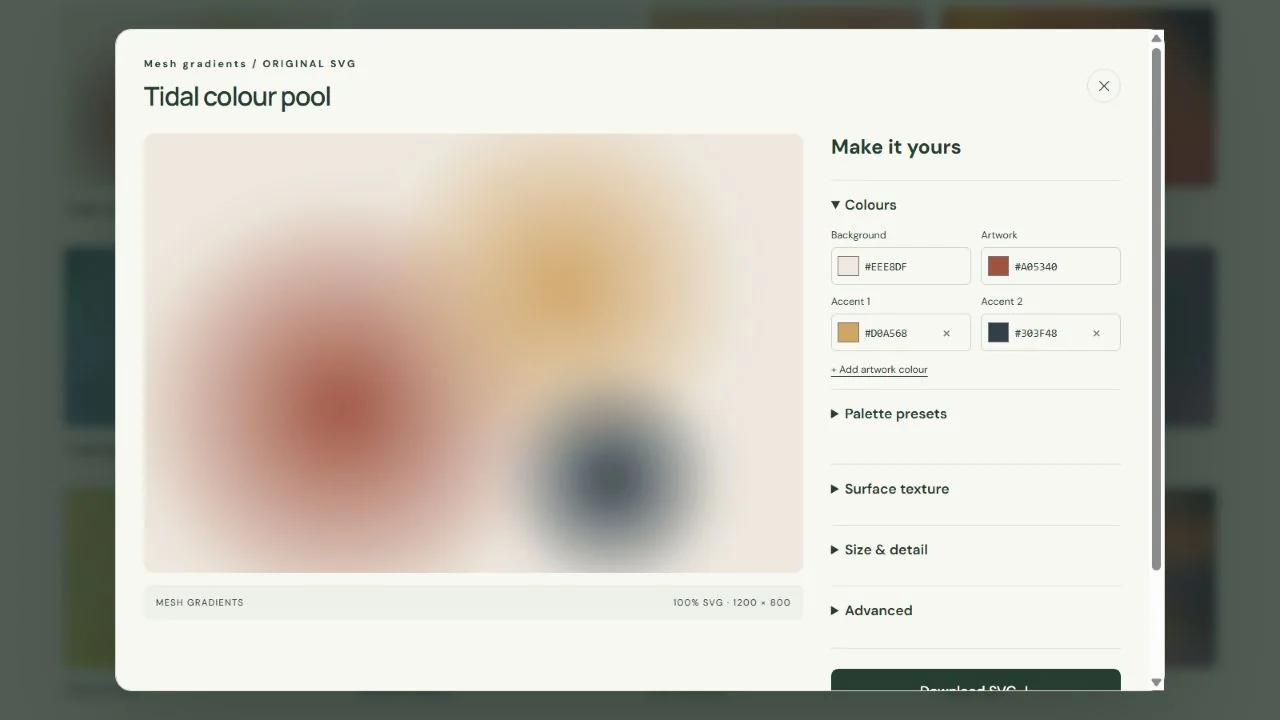
Opening Tidal colour pool brings up a large preview beside its colour controls. Further groups cover surface texture, size and detail, and advanced settings; download and copy actions sit further down the editor.
Show editable colours explicitly
The captured panel separates background, artwork and accent colours, with HEX inputs alongside colour pickers. Other controls are grouped beneath the palette.
Keep a design link stable
Editor links include a numeric design ID and readable name. The route resolver uses the ID, and versioned settings can travel in the URL with type and range checks on restoration.
Connect previews to usable output
The source generates SVG markup for download and provides SVG, CSS and link-copy handlers. Export helpers distinguish repeating backgrounds from standalone elements; this review did not test every design or integration.
04 / Behind the interface
Connect browsing, editing and output.
The studio groups assets by intended use, then exposes search and collection filters. The editor places a preview beside grouped controls. Shared modules serialise filters and versioned editor settings into URLs, while SVG generators and export helpers prepare artwork and usage-specific CSS. Static assets are served through Cloudflare Workers.
Catalogue filters
A shared filter module handles matching, sorting and query-string state for catalogue views.
Editor state
Stable design IDs and versioned settings connect the dialog to shareable URLs. Restored settings are checked against known defaults.
SVG and CSS output
SVG generators and export helpers produce artwork and usage-specific CSS, including repeating tiles and standalone elements.
Static delivery
HTML, CSS and JavaScript modules are served from a static assets directory on Cloudflare Workers. The deployed app does not require an application build step.
The repository contains filter and editor-route tests, including invalid design IDs and settings restoration. Their presence documents specific checks; the source project’s full suite was not run for this portfolio review.
Reduced-motion handling exists in preview controls and exported artwork. That implementation is not a claim that every asset, exported snippet or host website has passed an accessibility audit.
05 / Outcome & reflection
A live creative tool with inspectable building blocks.
The public studio provides collection browsing, editable previews and export controls. The inspected source contains URL-based filter and editor state, SVG and CSS output helpers, and a separate maker for imported motifs. These are observed and implemented capabilities, without claiming measured workflow improvements, public adoption or successful integration of every exported design.
What needs evaluation next
- Can someone find an appropriate collection without knowing its style terminology?
- Do the grouped controls make the effects of colour, texture and detail settings clear?
- Can someone choose the right export and use it successfully in their own layout?
These are proposed evaluation questions, rather than reported user findings.
More work
Keep exploring.
Live product Reviewed 2026
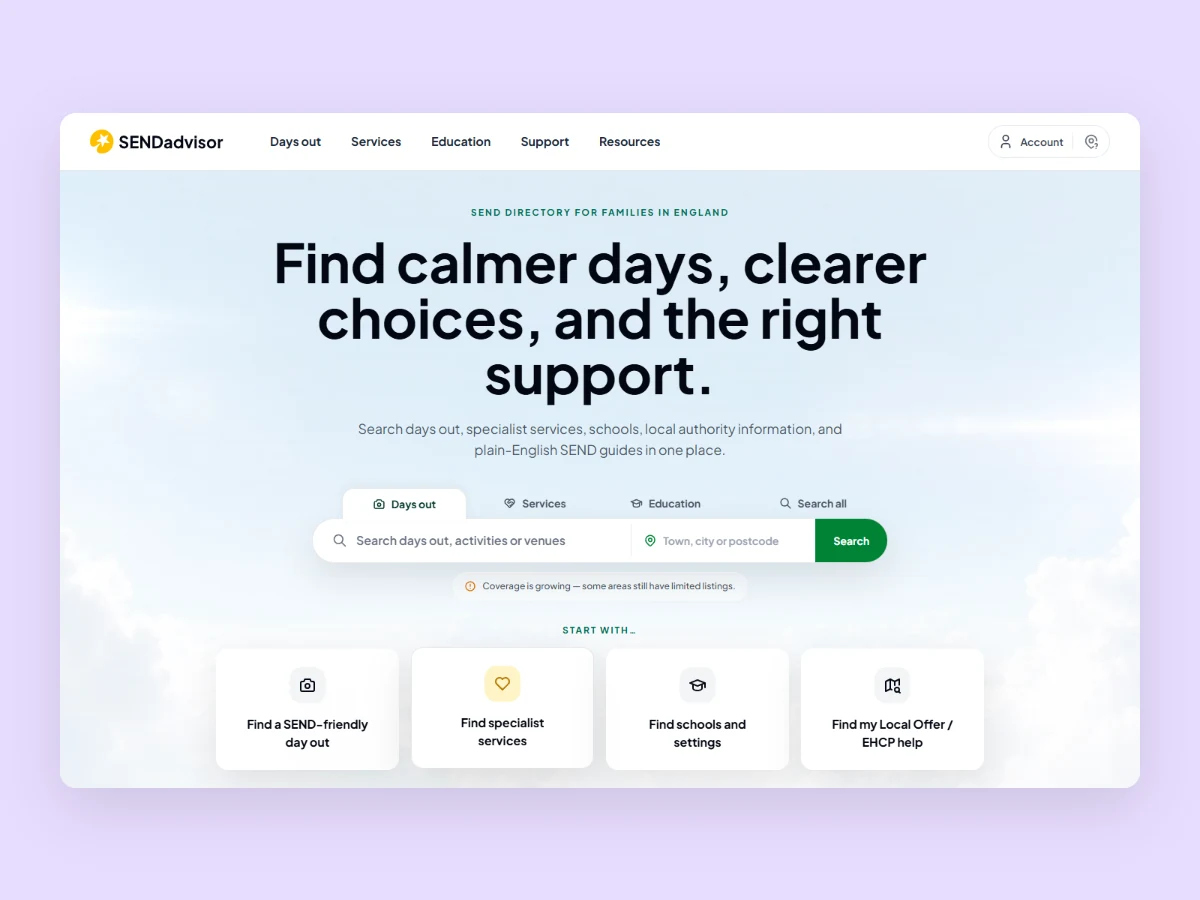
SENDadvisor
A SEND directory bringing days out, specialist services, education, council information, and guidance into one searchable interface for families in England.
Live product Reviewed 2026
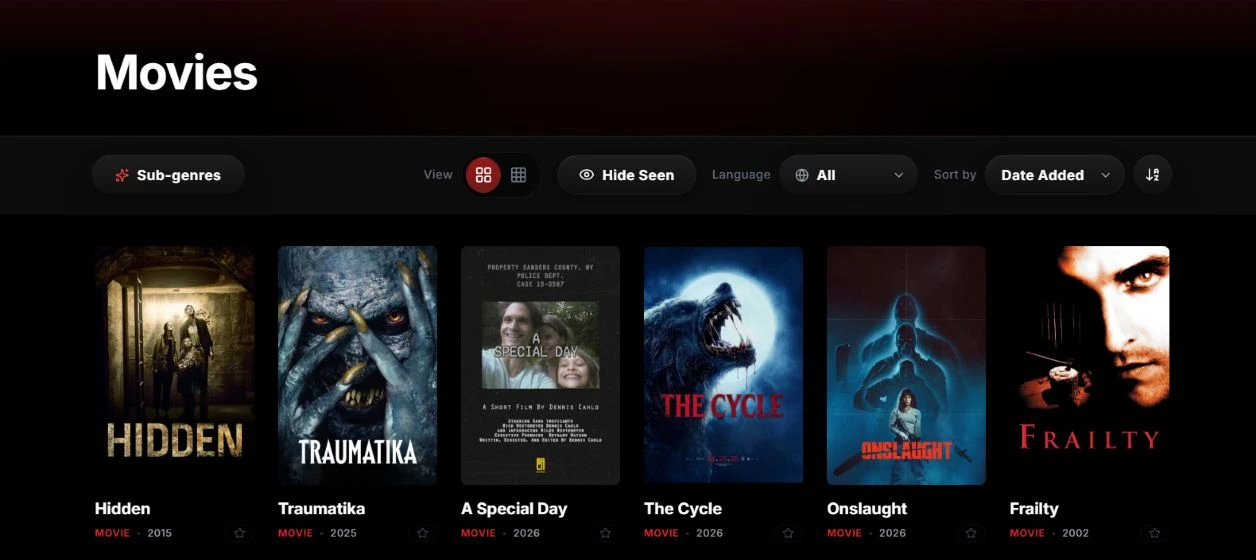
Horrorometer
A horror catalogue and review platform with browsing controls, public title pages, and an overall review score.
Unreleased Reviewed 2026
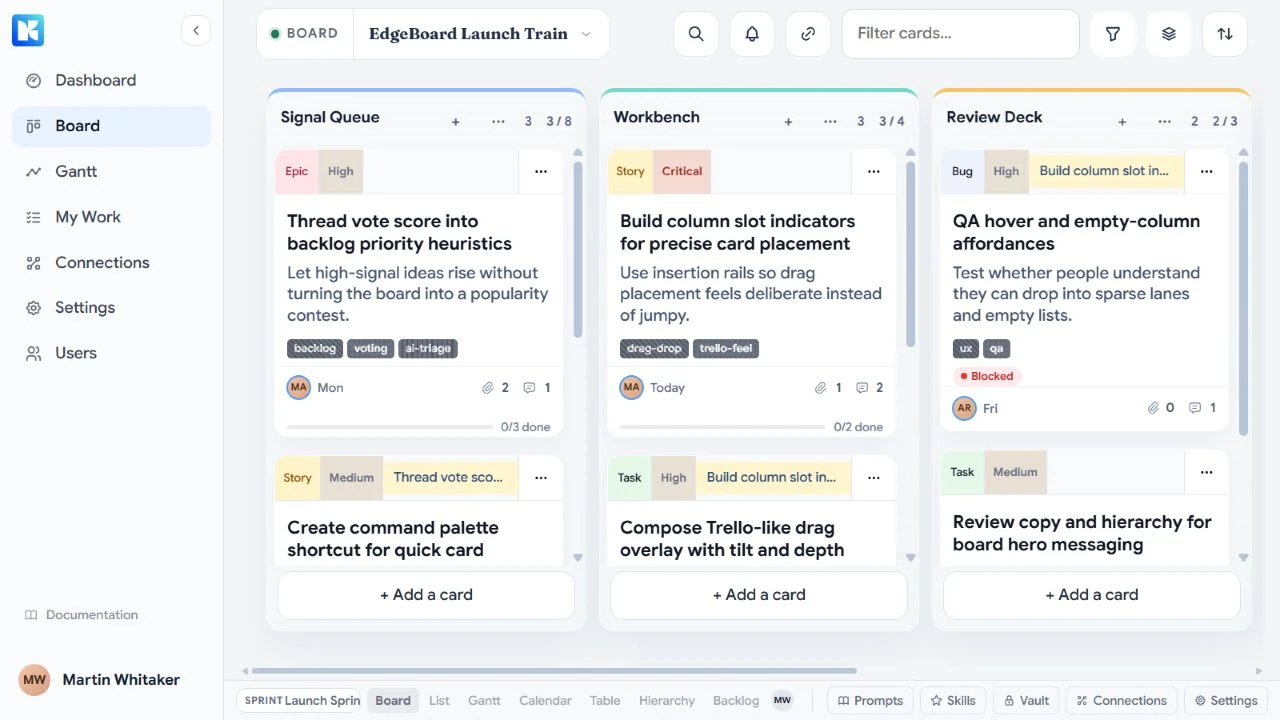
Kanaboards
An unreleased planning workspace connecting shared board assignments to coding agents running in a local checkout.

Unreleased Reviewed 2026
Stay With Me: Deep Sea
An unreleased narrative horror game combining a message thread, timed story rules, recovered camera views, and a persistent archive.